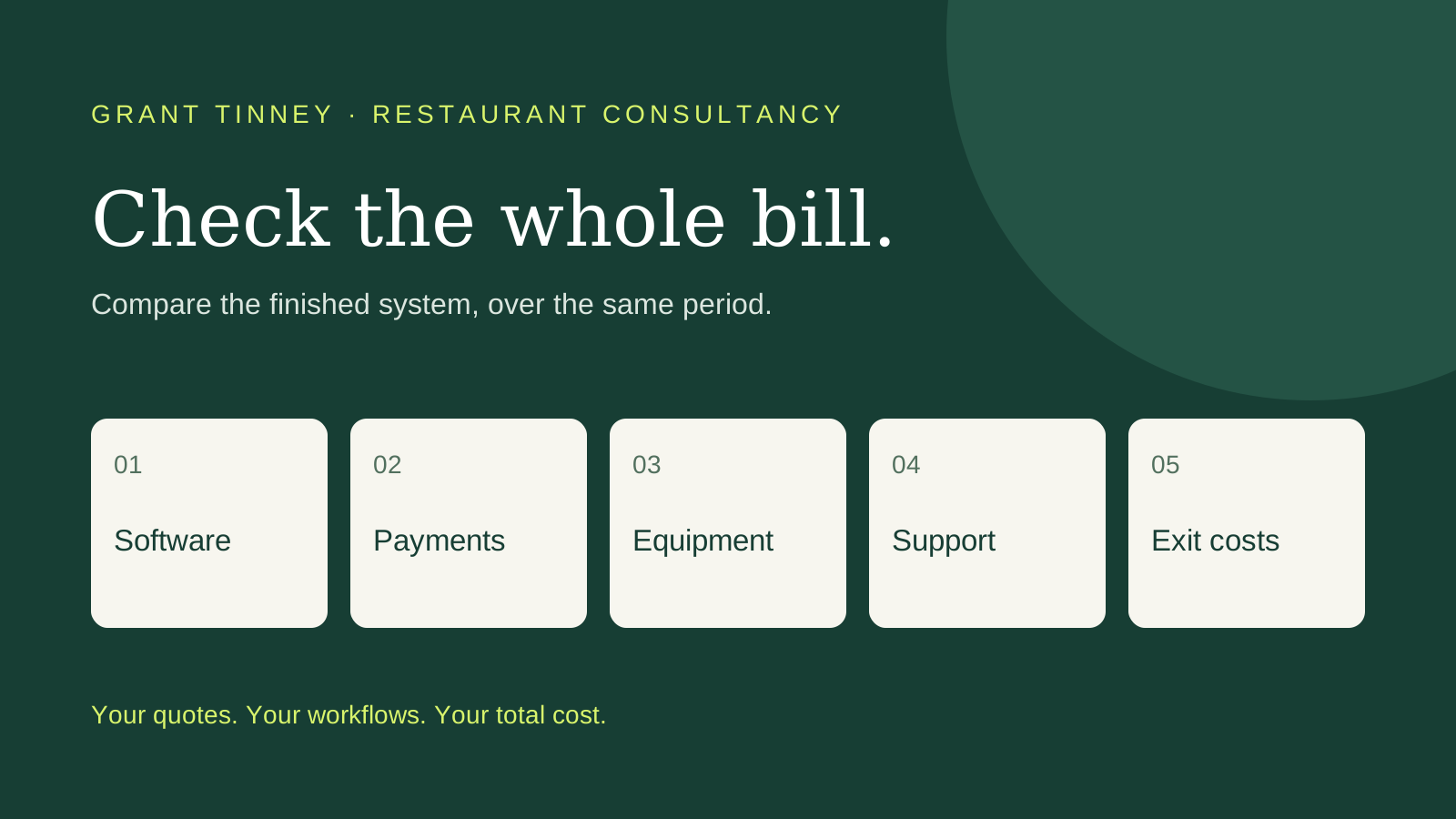
A POS demonstration can make an expensive decision look easy. Orders flow to the kitchen, payments close the bill and reports appear automatically. These features can help, but your restaurant pays for that convenience every month, and the payment charges keep running through every card sale.
Before signing with Lightspeed, compare the full cost with a simpler POS and kitchen display system, alongside an existing or independently sourced payment provider. Make the supplier earn the difference.
Start with the actual Lightspeed quote
Lightspeed’s UK pricing FAQ (https://www.lightspeedhq.com/uk/pos/restaurant/pricing/) currently quotes subscriptions from £79 a month for the first terminal. That is £948 a year before extras and any applicable tax. Its plan comparison lists KDS as an add-on on Basic, while higher plans offer different licence combinations. Hardware and your payment agreement need checking separately.
The public pricing page labels payment rates “Default” or “Custom” rather than providing a numeric UK processing tariff. Ask for a written quote covering your actual turnover, transaction count and card mix. We cannot fairly declare Lightspeed’s processing expensive for every restaurant without that comparison.
There is an important contractual point. Lightspeed’s current service agreement (https://www.lightspeedhq.com/uk/legal/lightspeed-service-agreement/) requires eligible customers, in supported markets, to use Lightspeed Payments unless agreed otherwise in writing. It also provides for a monthly fee when those customers use another processor, calculated using estimated average monthly transaction volume.
Ask whether that fee applies to your contract, its exact amount and whether a written exemption is available. Keeping your current provider while staying on Lightspeed may carry an additional cost.
What does the cheaper route really cost?
Loyverse provides (https://loyverse.com/pricing) one practical starting point. Its core POS and kitchen display software are free. It runs on compatible iOS or Android devices; the KDS needs a separate tablet (https://help.loyverse.com/help/kds-configuration) on the same local Wi-Fi network.
That makes a modest, off-the-shelf setup worth investigating, particularly if you already own suitable equipment. However, “a few hundred pounds” needs a complete equipment list behind it. Tablets alone do not cover secure stands, power supplies, receipt printers, cash drawers, networking, installation or replacement equipment. Check the kitchen environment and device suitability before buying.
Free core software also has limits. Loyverse currently lists (https://loyverse.com/pricing) unlimited sales history at US$5 per store per month, employee management at US$25 and advanced inventory at US$25, excluding taxes. Currency conversion can affect the sterling cost.
Write down the features you actually need, then price the finished setup. Include menu loading, training, integrations, support arrangements and the time someone will spend maintaining it.
Can you keep your payment provider?
With Loyverse, a standalone terminal can be used without direct integration (https://help.loyverse.com/help/how-work-credit-card-payments). Staff enter the amount on the terminal, obtain approval, then record the card payment in the POS.
That preserves the option to keep an existing merchant relationship, subject to its terms. It also leaves manual entry and reconciliation work. Factor in mistakes, refunds and the time spent matching totals.
Supported integrations can remove some of that work. Loyverse documents a Teya integration for UK merchants (https://help.loyverse.com/help/card-payments-teya), for example. Verify the precise provider, terminal, device and features you need. An Android terminal or familiar brand name does not establish compatibility.
Put the savings into pounds
Hypothetical example: a restaurant processes £600,000 in card payments annually. A reduction of 0.30 percentage points in its processing rate would save £1,800 a year, assuming every other charge stays the same.
That is worth investigating. The actual difference between Lightspeed and another provider needs establishing from your quotes.
Give competing providers the same recent statements. Compare percentage charges, per-transaction fees, terminal rental, minimum charges, refunds, chargebacks and settlement costs. Ask an adviser how they are paid and which providers they compare.
Then add the technology costs over the same period. A lower payment rate can be outweighed by higher software costs or extra administration.
Check the exit before changing anything
Review the current contract, renewal deadline and cancellation terms first. Lightspeed’s published service agreement (https://www.lightspeedhq.com/uk/legal/lightspeed-service-agreement/) includes early-termination provisions covering remaining recurring fees, unpaid non-recurring fees and recovery of certain discounts. Existing customers may have amendments, and payment services have separate agreements.
Your current merchant provider may also charge for leaving. Include overlapping subscriptions, data export and migration work in the switching calculation. Confirm VAT treatment line by line and compare quotes on the same basis.
When integration earns its keep
Lightspeed offers (https://www.lightspeedhq.com/uk/pos/restaurant/payments/) automated reconciliation, tableside payments and a single support route across its system. For a busy restaurant, those benefits may justify a higher total cost. Test the workflows your team uses during service and measure the time saved.
For a simpler operation, off-the-shelf POS and KDS software with a suitable payment provider may offer better value. Keep a good existing relationship where practical, and seek competing quotes where it is not.
Grant Tinney Restaurant Consultancy can help review your payments and technology costs together. Bring your statements, contracts and current system details to a consultation (https://calendar.app.google/Qcj9JQMxTnGA9vYR6) before committing to the next deal.